

Wear OS
Surf tracking for Wear OS.
Record a session on your watch. Sessions counts your waves, maps each ride, and adds it to your log.
How a session goes
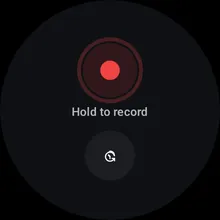
Hold to start recording. 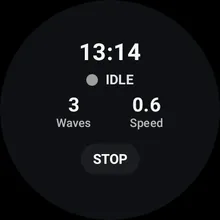
Time, waves and speed while you surf. 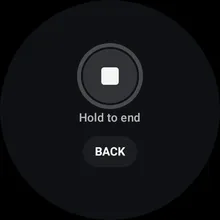
Tap Stop, then hold to end. 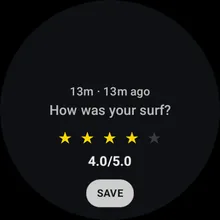
Rate the session. 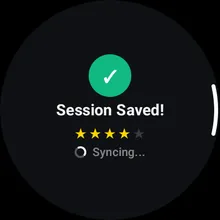
It saves on the watch and syncs when it can. 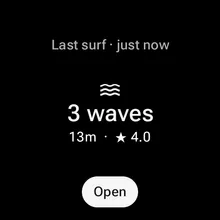
The tile shows your last surf, or the one you’re recording, one swipe from the watch face.
What it records
- Waves. GPS and motion sensors tell paddling from riding, so each wave is counted.
- A map of each ride. Step through them one at a time.
- Speed and distance. Top speed, distance and time in the water.
- A voice note. Optional. Say what you rode and how it was. It’s transcribed on the watch, and empty fields like board and fins fill in.
- The tide. Predicted from the nearest tide station.
Questions
- Which watches does it run on?
- Wear OS 5 or later.
- Do I need signal at the beach?
- No. Sessions record offline and sync when the watch is back online. Voice notes are transcribed on the watch.
- Is there an Apple Watch or Garmin app?
- No, the tracker is Wear OS only. You can log sessions by hand on the web or the Android app.
- Does it cost anything?
- No, it’s free.
Get started.
Create an account, then sign in on the watch with the same Google account.